Introducing Offboarding: a clean exit for anyone who leaves
New in FirstHR: Offboarding, one plan for someone's last weeks. Their apps and equipment are added on their own, and the termination happens at a time you set.

Today we're adding Offboarding to FirstHR: one plan for everything that has to happen between the day someone gives notice and their last day.
When someone leaves a small company, the work scatters. Who takes over their clients? Who removes them from Slack and the CRM? Did the laptop and the van key come back? Did they sign the confidentiality reminder? It usually lives in a chat and an old checklist, and something always slips. Offboarding puts all of it in one plan, for you and for the person leaving.
One plan, from notice to last day
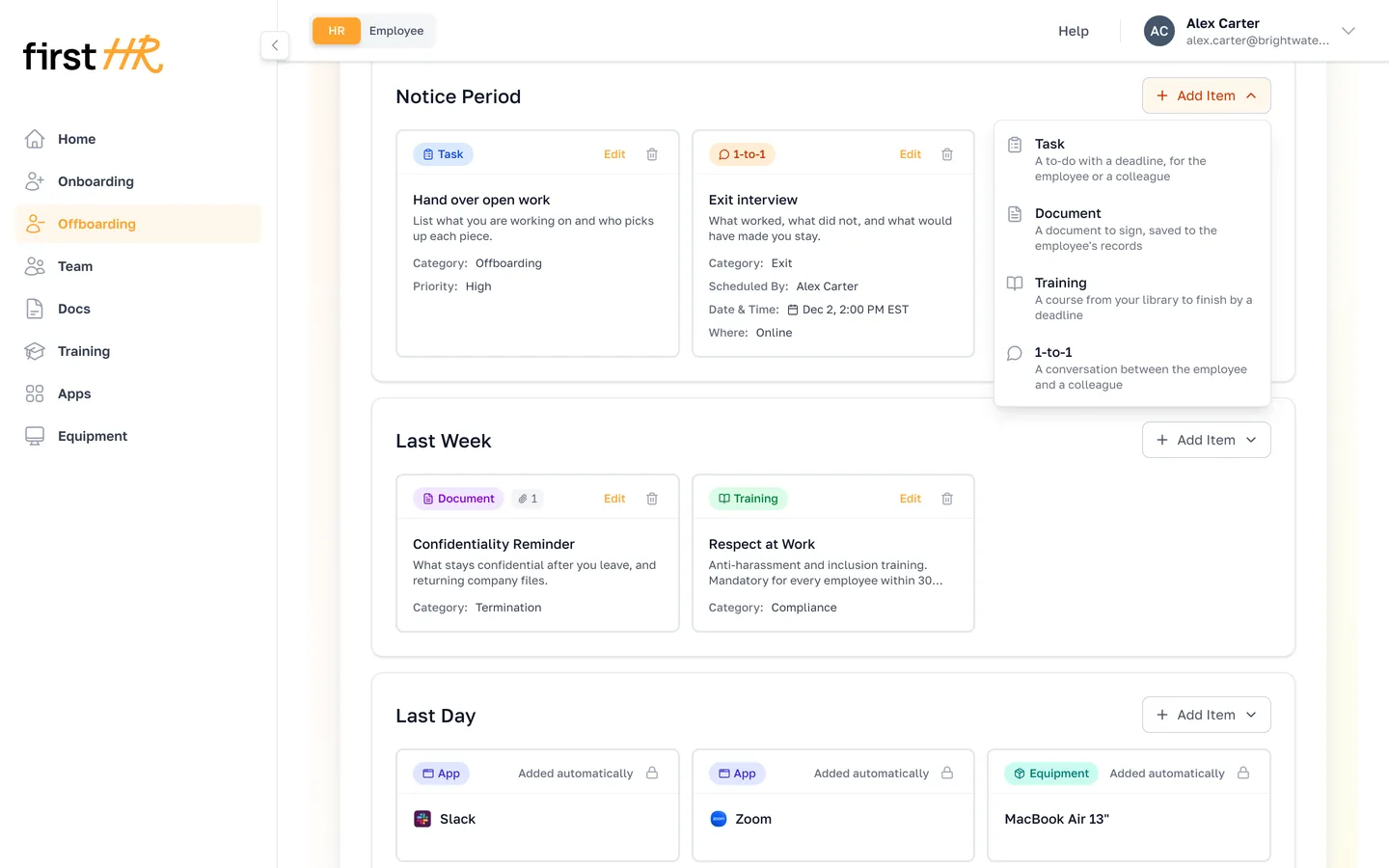
Pick who is leaving, start from a template or from scratch, and lay out their last weeks in three phases: Notice Period, Last Week and Last Day. Each phase takes tasks, documents to sign, courses and 1-to-1s like an exit interview, and their apps and equipment join the last day on their own. When you launch it, everything is created at once, and they get one email.
No one leaves with access or your equipment
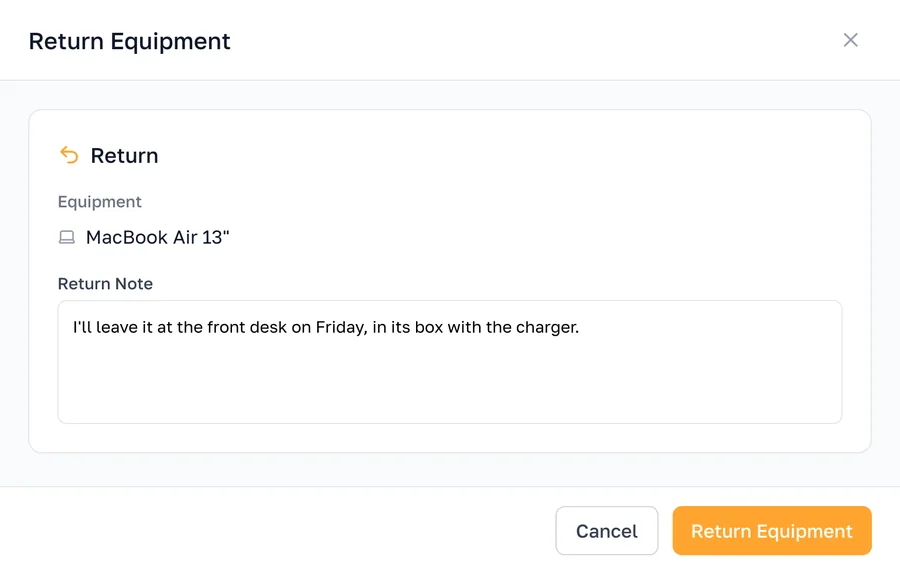
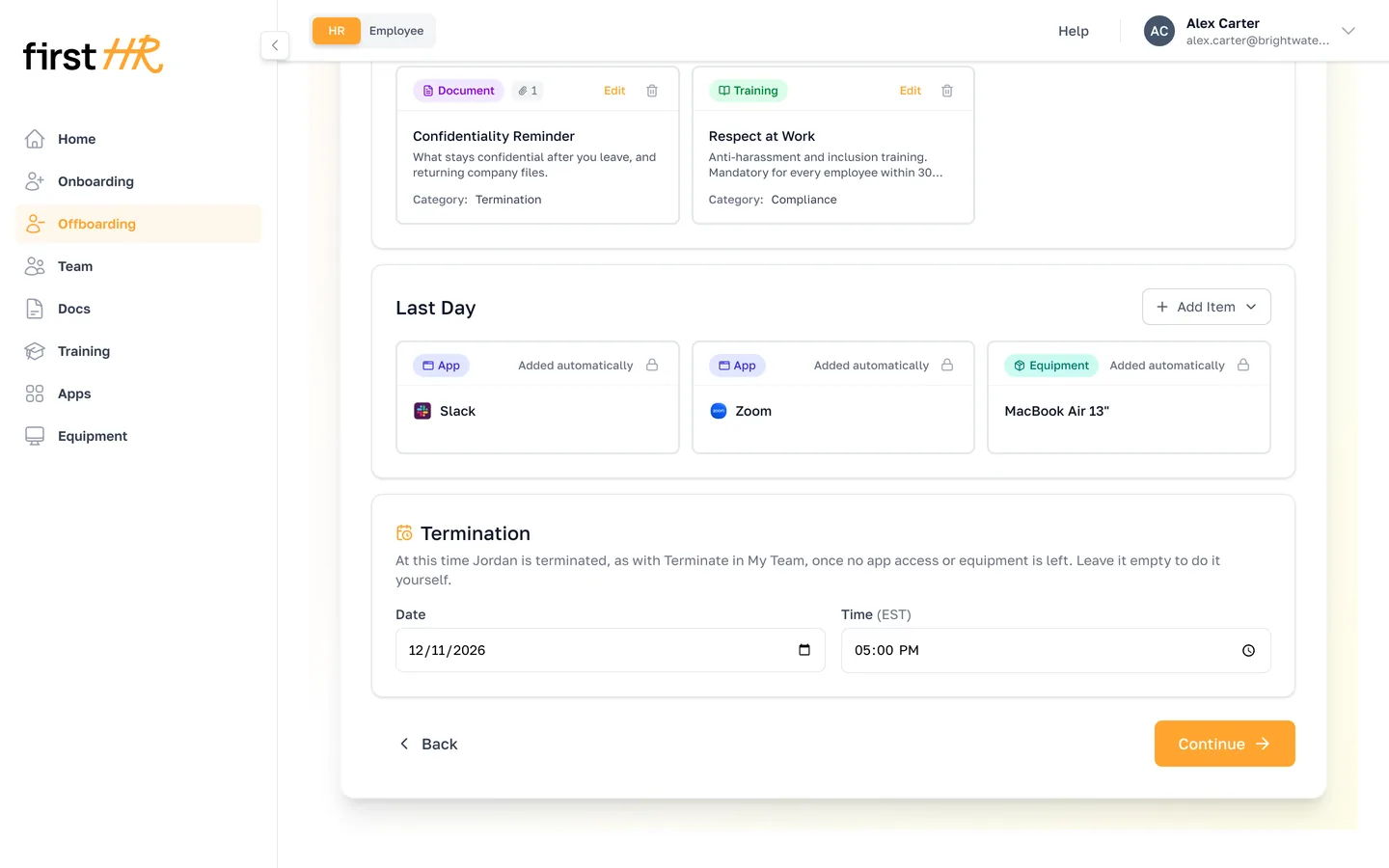
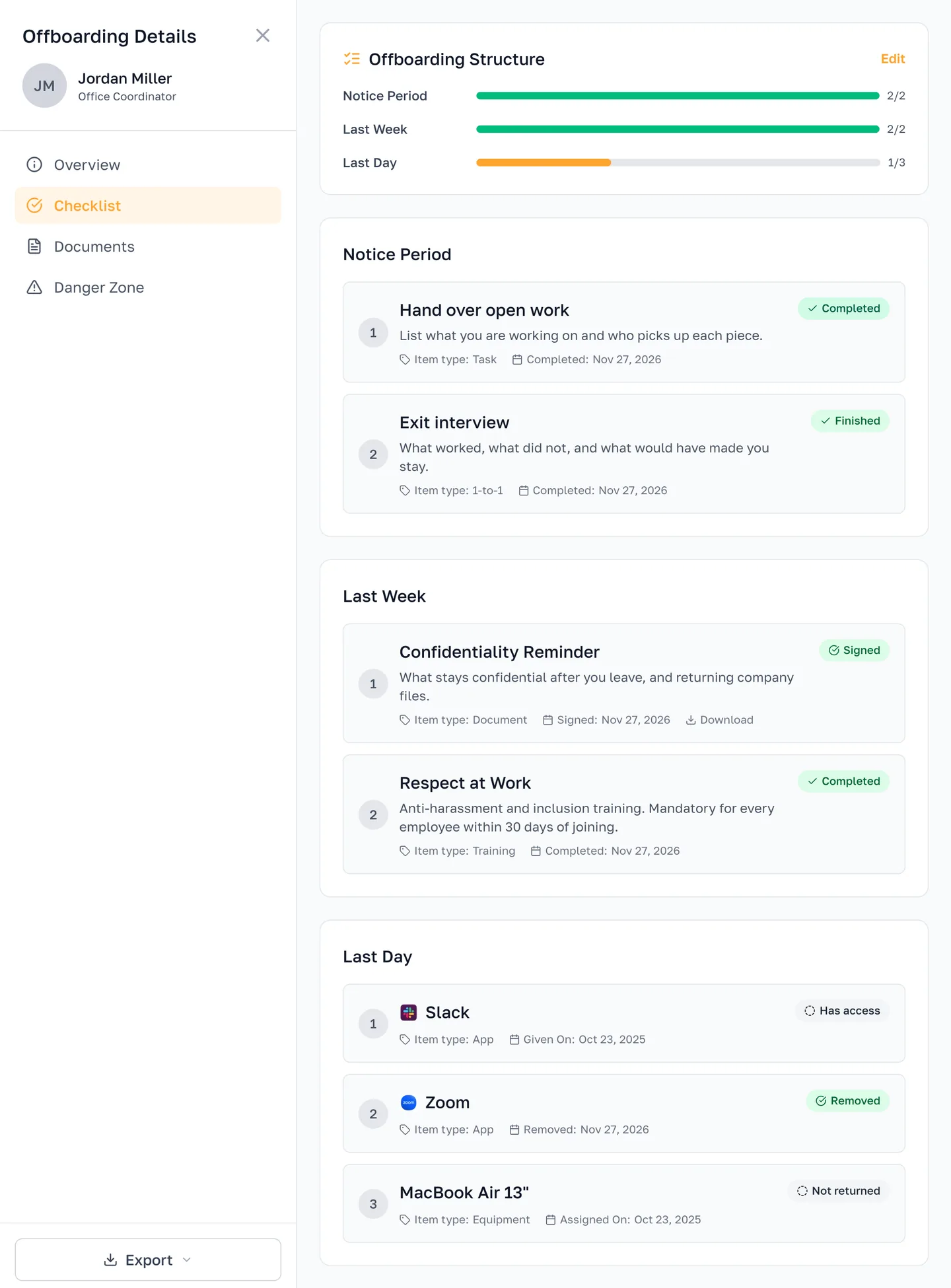
FirstHR already knows which apps each person has and which equipment they hold, so the plan adds them to the last day on its own. When it starts, you get a task for each app, and the item closes once you remove their access in Apps. They start returning equipment from their own plan, and it's done once you mark it as returned.
Set the termination, and let it happen
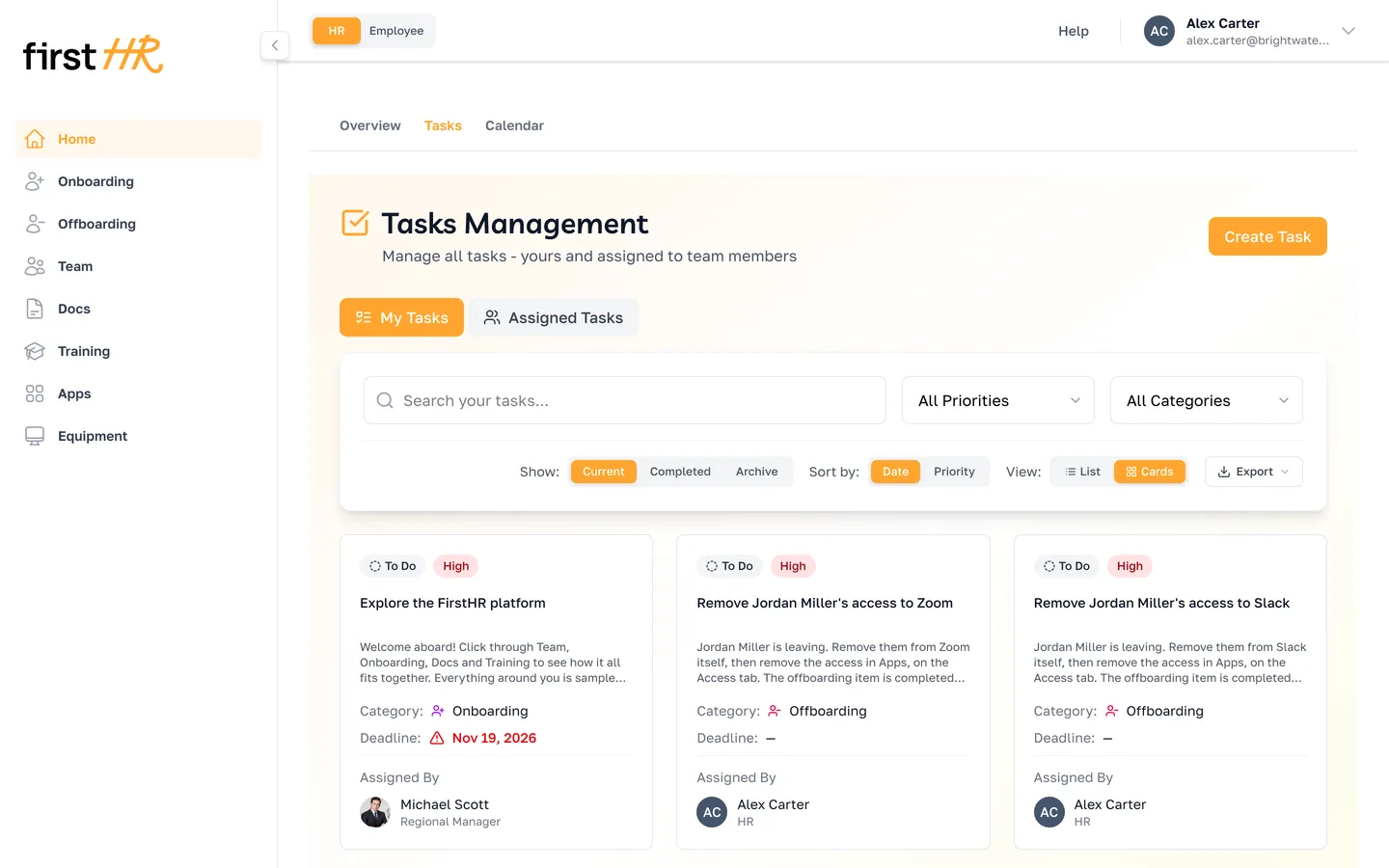
Under the phases, you can set a date and time for the termination. FirstHR terminates them then, the same way as Terminate in My Team. If apps or equipment are still with them, it waits until they're cleared and sends you one email. Only HR sees the time.
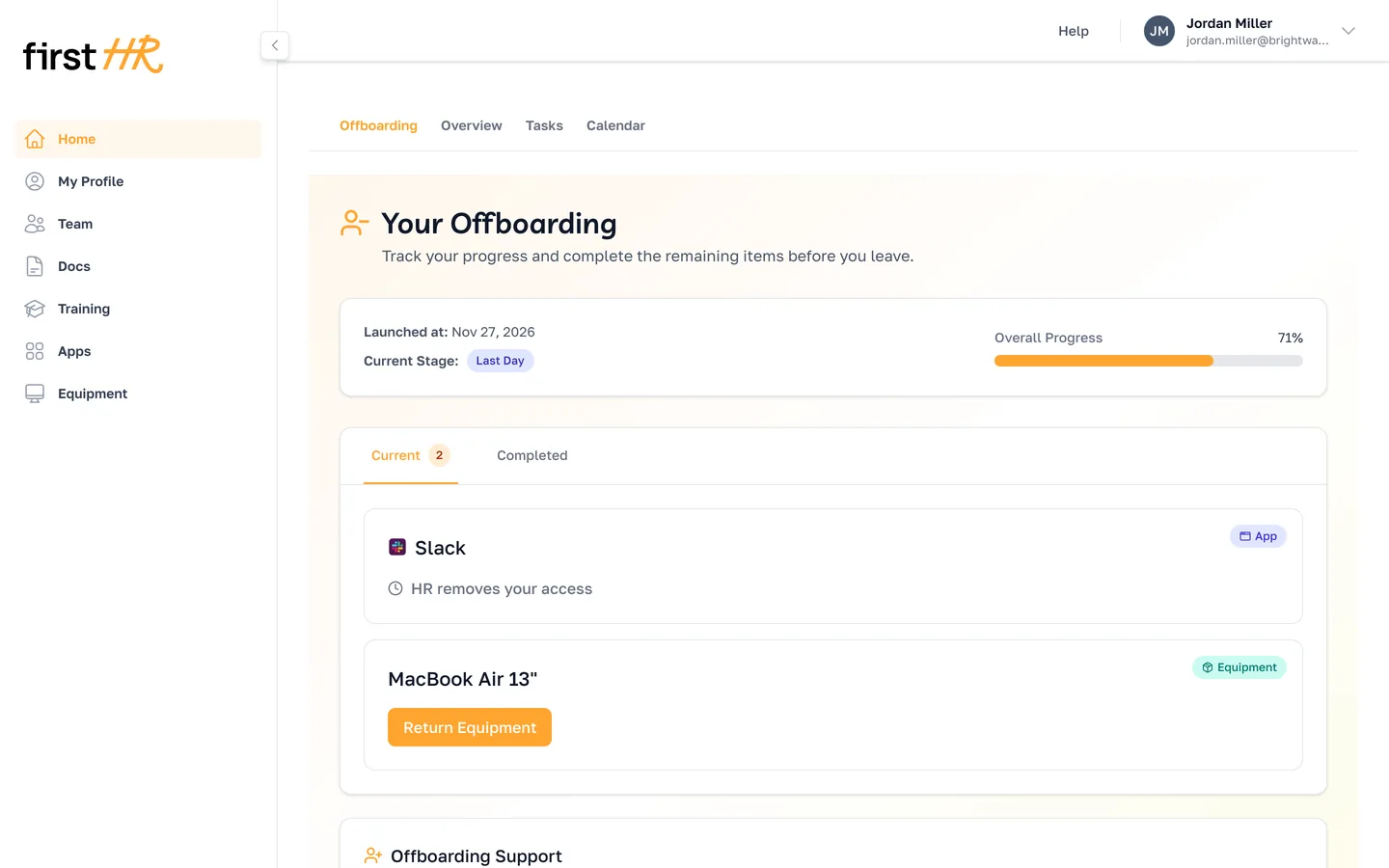
What the person leaving sees
Their plan gets its own tab on Home, one phase at a time, with a button for each thing they still have to do. When everything is done, they can leave feedback for HR, and then the tab goes away.
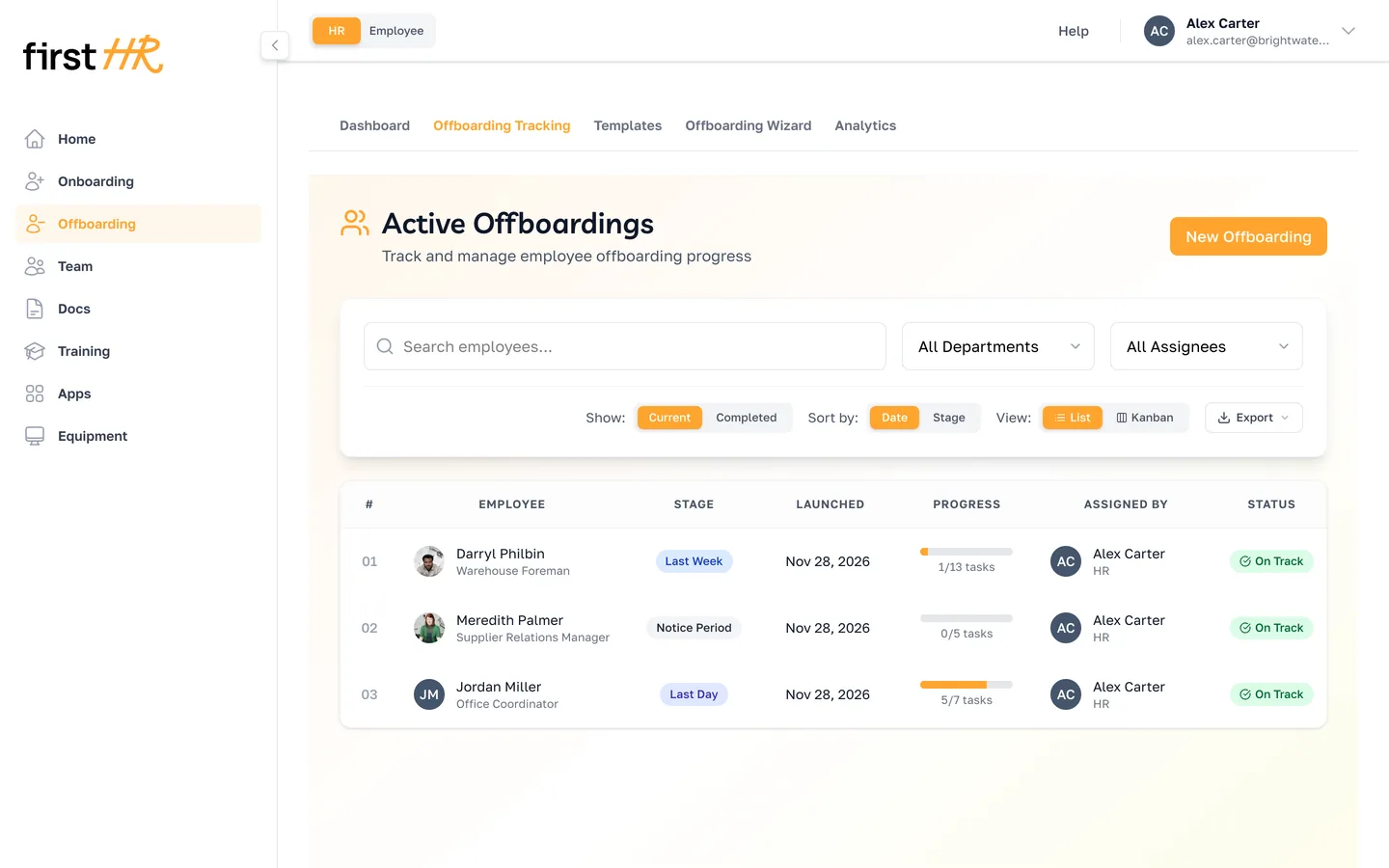
See every exit through to the end
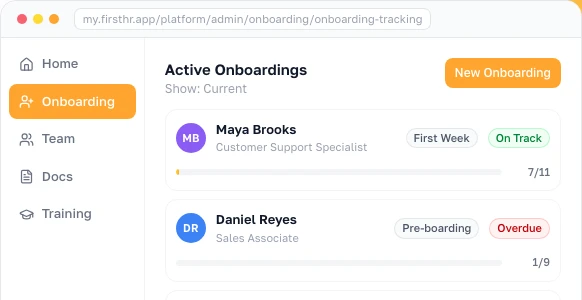
Offboarding Tracking shows everyone who is leaving, with their stage, their progress and whether they're on track. Open one to see what is still with them: an app shows Has access until you remove it, and a laptop shows Not returned until it's back. When the last item closes, the offboarding moves to Completed on its own.
Build it once per role
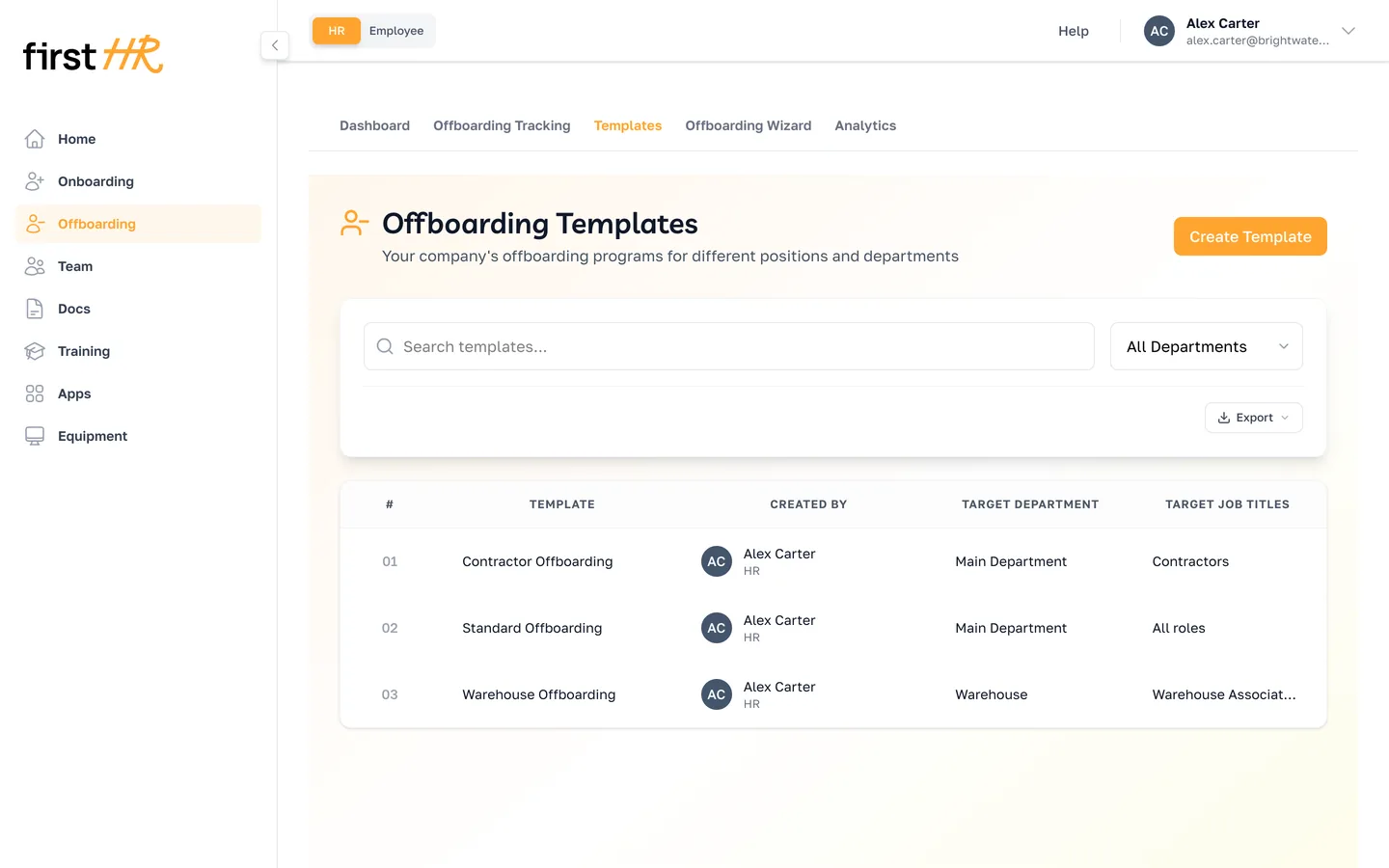
Build an offboarding template for everyone who leaves the same role. Each person's own apps and equipment are added when you start, so one template fits everyone in that role. Use Template starts the next one: you pick the person, set the deadlines and, if you like, the termination.
AI suggestions and a compliance check
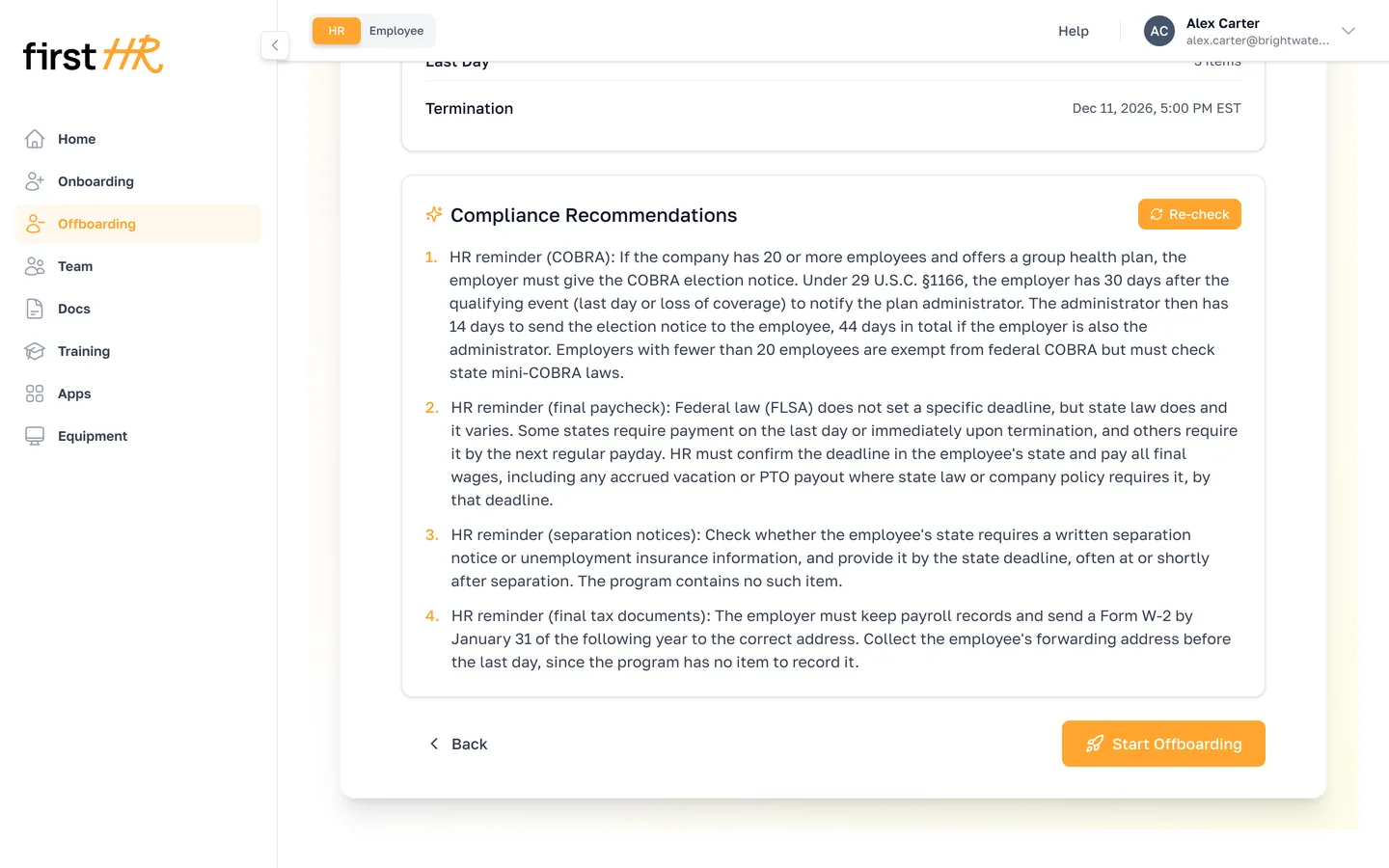
Generate Structure suggests tasks, documents and courses for each phase, only the things the person leaving does. Compliance Review checks the plan against employment law for your company, like your state's deadline for the final paycheck. Duties that are yours as the employer, like COBRA notices, come back as reminders for HR. Both are optional and use AI credits, which come with every plan.
Try it with your team
Offboarding comes with every plan, the free trial included. Build your first template for the role people leave most often, and the next time someone gives notice, their plan is a couple of minutes away.